01
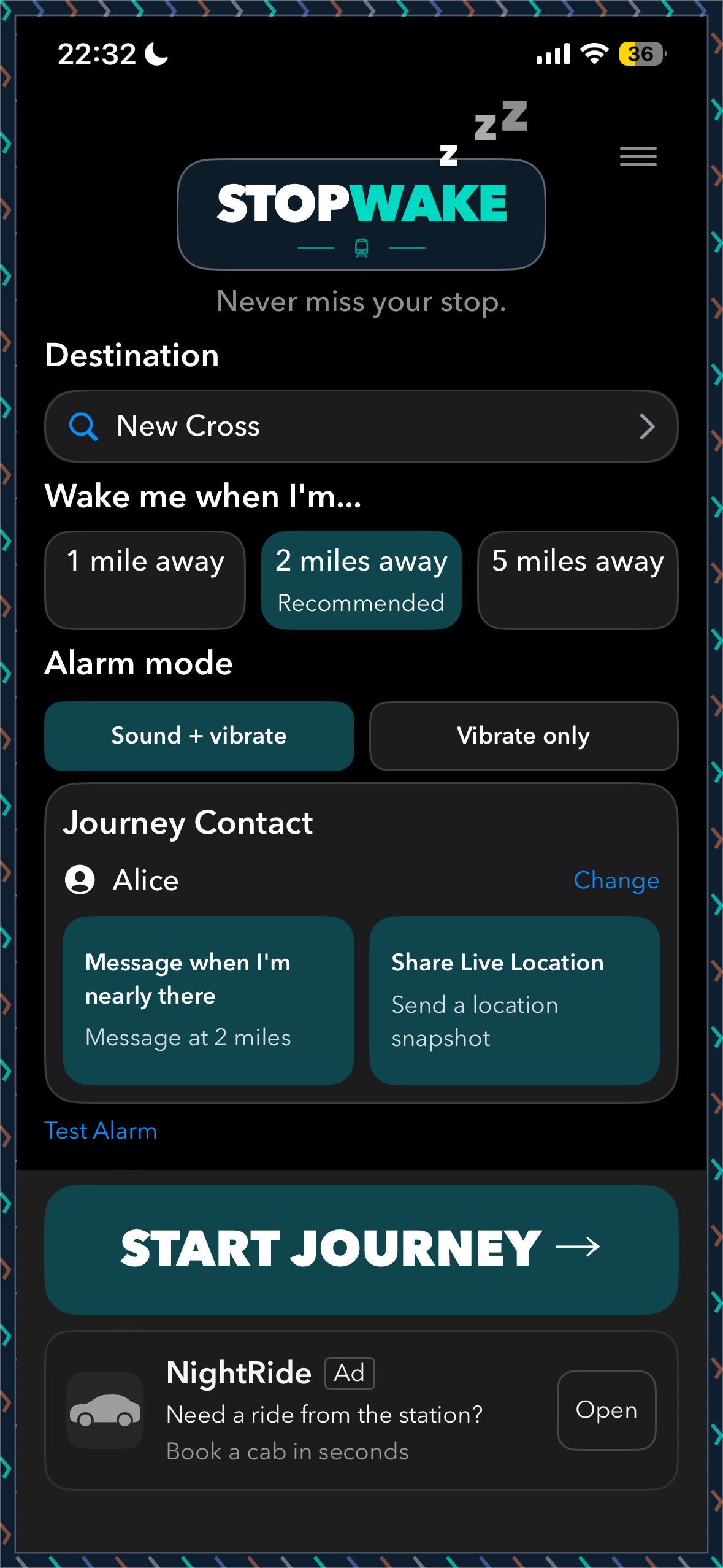
Set up your journey
Choose your destination, pick an alert distance and select someone you trust as your journey contact.
StopWake helps you rest on the train, wake before your station and keep someone you trust in the loop. From departure to arrival, travel with a little more confidence.
iPhone app in development. Tap to check availability.
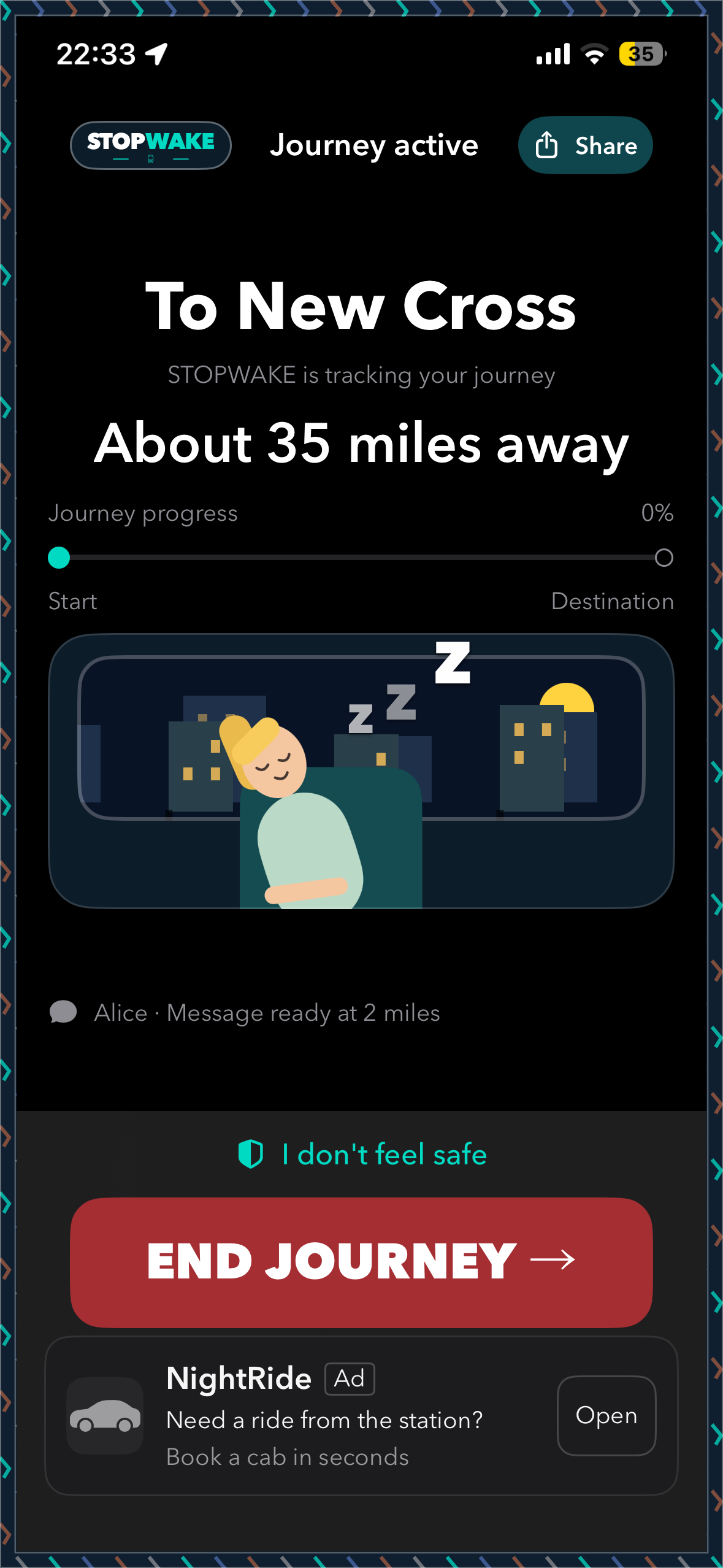
See how StopWake works with actual screenshots from the iPhone app. Set your stop, decide when you want an alert, and follow your journey.
Choose your destination, pick an alert distance and select someone you trust as your journey contact.
Start your journey and follow the distance to your station. StopWake is designed to alert you at the distance you choose.
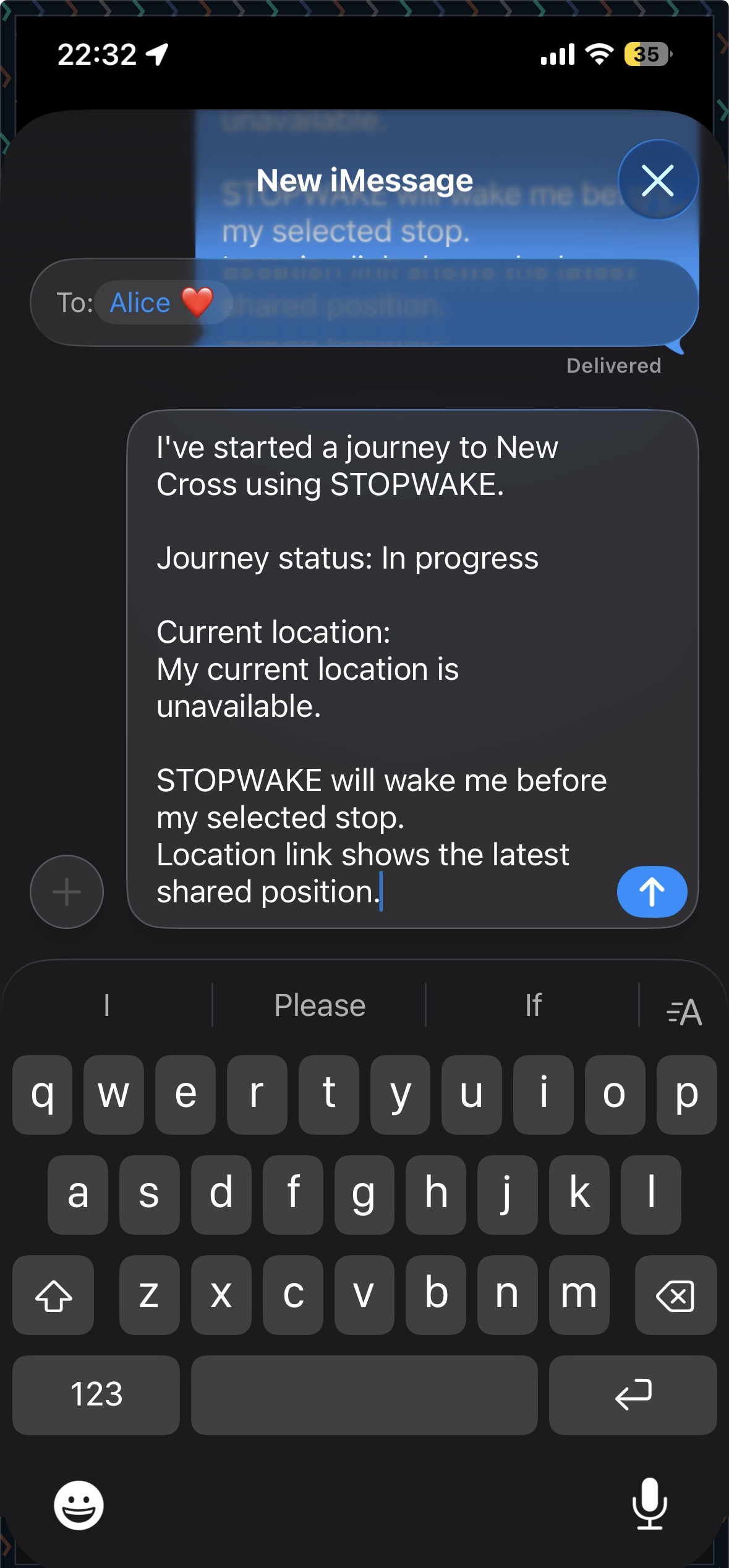
More than a wake-up alarm. Your journey contact can be part of the plan before you set off, not an afterthought when you arrive.
See journey sharing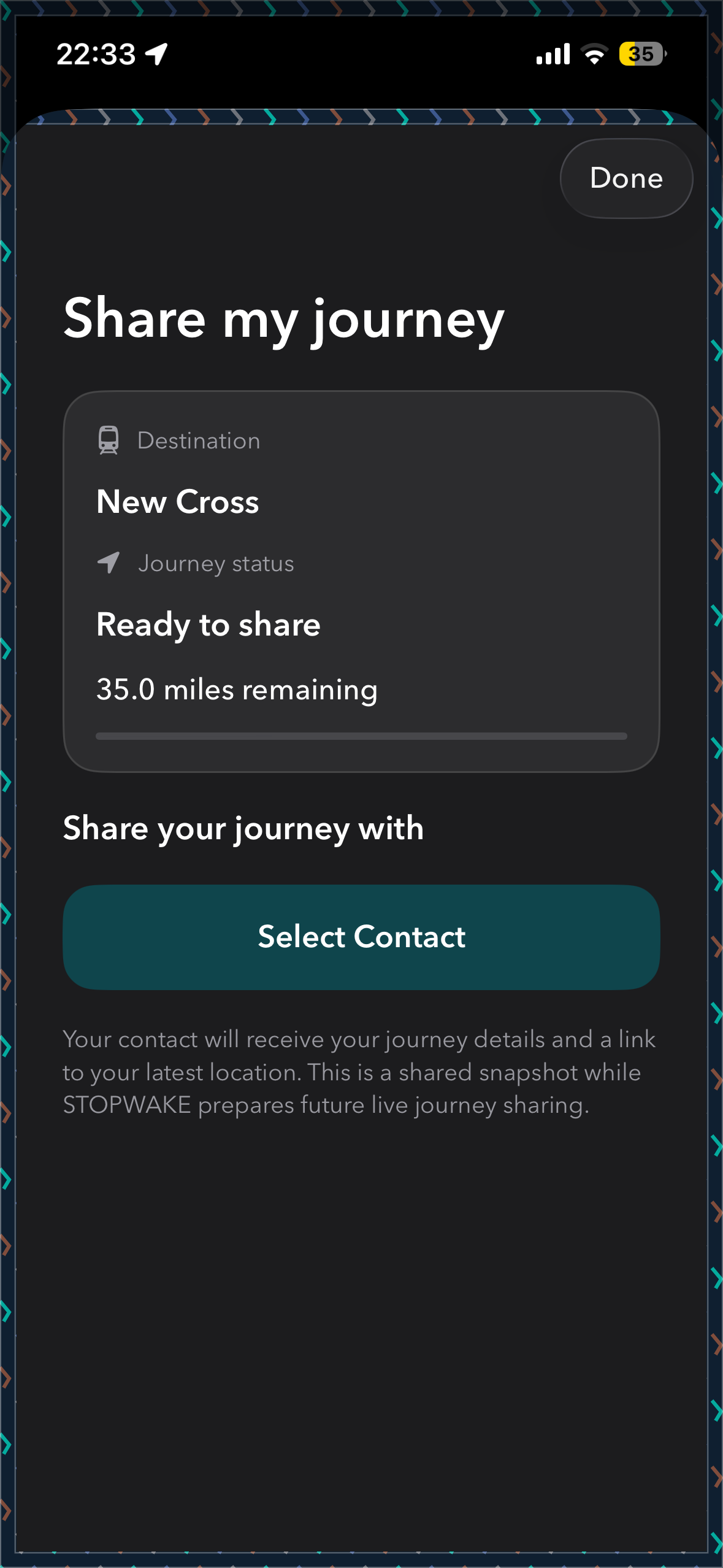
If you feel uncomfortable travelling, quick access to the right contact can make all the difference. StopWake places these options in one simple safety screen.
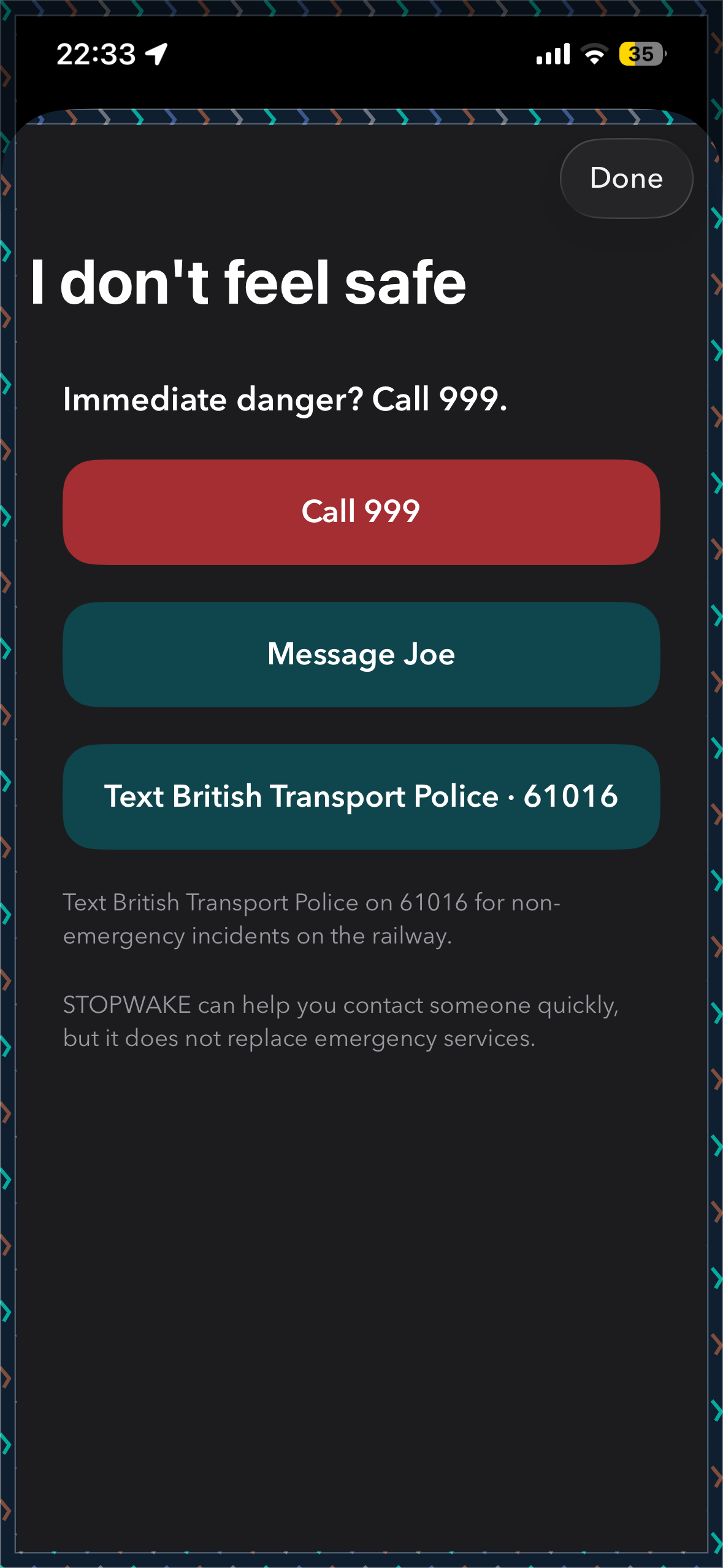
Clear access to an emergency call option when immediate help is needed.
Open a text message to 61016 for non-emergency incidents on the railway.
Reach your chosen contact directly from the safety screen.
StopWake is not monitored by emergency services and is not a substitute for seeking urgent help. In an emergency, call 999.
Your alert is based on how close you are to your destination, rather than a scheduled arrival time.
Move the slider to bring this example journey closer to its stop.
Interactive illustration, not live tracking or an app screenshot. No location access needed.
StopWake uses your device's location to estimate how close you are to the destination station. You choose the alert distance, with a two-mile option recommended in the current app.
You can choose to share journey information and a location snapshot with a trusted person. This is not continuous live tracking. You control whether to send the message through your device.
Yes. Choose a journey contact and a distance for a near-arrival message. The current app can prepare the message for you; review and send it using the phone's messaging system.
Location accuracy and messaging are affected by GPS reception, tunnels, device permissions, battery settings and mobile connectivity. No alert or message delivery can be guaranteed.
It gives quick access to calling 999, messaging your trusted contact and texting British Transport Police on 61016 for non-emergency railway incidents.
Not yet. StopWake is in development for iPhone. The App Store button currently explains that the app is coming soon, and we'll replace it with the real link once available.
Wake near your stop, keep someone informed, and have safety options close to hand.
StopWake is currently in development for iPhone.StopWake is currently in development and is not yet available on the App Store. Check back here for launch updates.